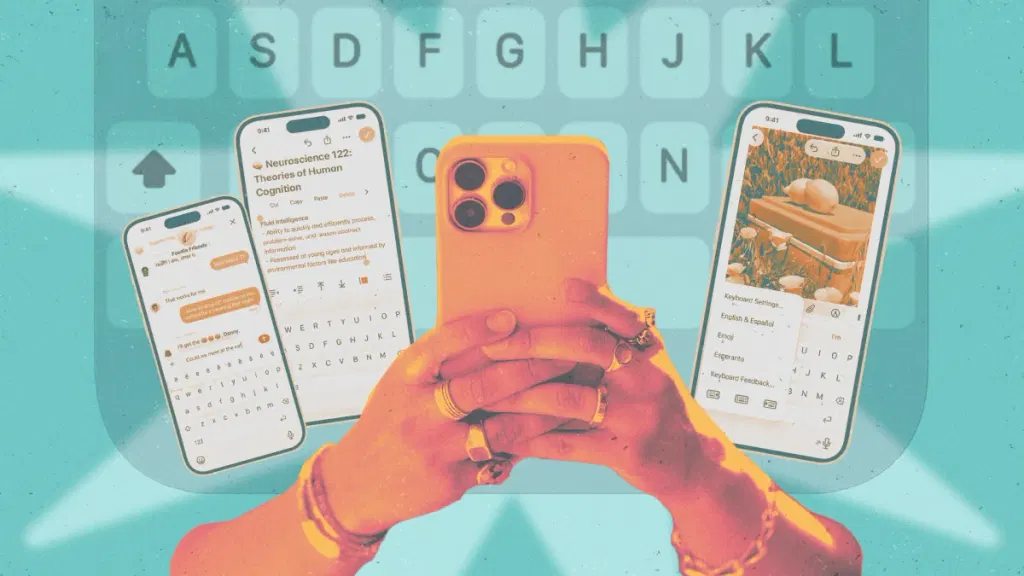
10 Keyboard Hacks Every iPhone User Should Know
On the surface, the iPhone keyboard looks like it did a decade ago, but underneath, much has changed. In addition to the hidden features that have existed for years, Apple has slowly added features and gestures that make typing a bit easier. If you're still shaking your iPhone to undo text, it's time to dig deeper.
- ▪On the surface, the iPhone keyboard looks like it did a decade ago, but underneath, much has changed.
- ▪In addition to the hidden features that have existed for years, Apple has slowly added features and gestures that make typing a bit easier.
- ▪If you're still shaking your iPhone to undo text, it's time to dig deeper.
Lifehacker files mainly under tech. We currently carry 767 of its stories.
Story provenance
Source · retrieval · rights · ranking — open for full record
inspect →
Story provenance
Attribution is not the same as permission. This drawer separates discovery metadata, excerpts, WeSearch-generated summaries, reuse status, and whether the publisher receives the visit. Nothing here claims a legal grant the publisher has not made.
Record
| Original publisher | Lifehacker |
| Canonical URL | https://lifehacker.com/tech/10-keyboard-hacks-every-iphone-user-should-know?utm_medium=RSS |
| Publication time | Fri, 18 Sep 2026 14:00:00 +0000 |
| Retrieval time | 2026-09-18T14:23:45.907Z |
| Last seen | 2026-09-18T14:23:45.907Z |
| Headline source | Publisher (no WeSearch rewrite) |
| Excerpt source | publisher body |
| Excerpt method | First ~120 words (~800 chars) of extracted publisher body, fair-use limited. |
| Summary | WeSearch · cerebras-chat (WeSearch summarizer) |
| Summary source text | contentText |
| Citation coverage | Summary is a WeSearch-generated derivative; primary citation is the original publisher URL. |
| Cluster | n0CXB-p3ELU4 · 5 stories |
| Cluster logic | Grouped by semantic title/content similarity across sources within a rolling window. Same-publisher template collisions are excluded from coverage comparison. |
| Ranking reason | Story pages are not engagement-ranked. Hub feeds use recency, with optional source-diversified chronological ordering (cap consecutive stories per source). No personalized ranking. |
| Publisher visit | Yes — open original |
| Substitutes article? | No — link-out required for full text |
Rights status (four layers)
WeSearch handling by dimension
| Indexing | May the item be indexed (stored, ranked, made findable)? | Allowed |
| Snippet | May a short excerpt of the publisher's text be shown? | Allowed |
| AI summary | May WeSearch generate its own short summary of the article? | Limited |
| Retrieval / RAG | May the content be exposed for third-party retrieval-augmented generation? | Not asserted |
| Model training | May the content be used to train AI models? | Not asserted |
| Commercial reuse | May the content be reused commercially? | Not permitted |
Basis: Derived from the published RSS/Atom feed. Contact: [email protected]. Reviewed: 2026-07-24.
Opening excerpt (first ~120 words) tap to expand
On the surface, the iPhone keyboard looks like it did a decade ago, but underneath, much has changed. In addition to the hidden features that have existed for years, Apple has slowly added features and gestures that make typing a bit easier. If you're still shaking your iPhone to undo text, it's time to dig deeper. These 10 hacks can help you make the most of typing on your iPhone. Use keyboard haptics to simulate a physical keyboardTyping on an iPhone’s glass surface can feel a bit lifeless, especially if you’re used to typing on mechanical keyboards on your Mac. While there’s no way to get a physical keyboard on the iPhone (unless you get something like the Clicks keyboard), you can simulate it.
…
Excerpt limited to ~120 words for fair-use compliance. The full article is at Lifehacker.