Better CSS fluid sizing with round()
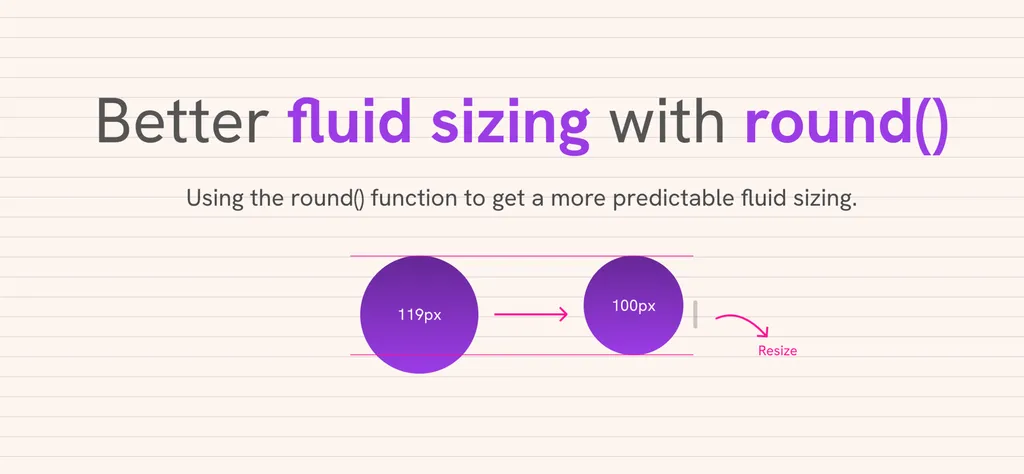
The CSS round() function enhances fluid sizing by allowing values to snap to predictable steps. This is particularly useful for typography, spacing, and layout rhythm. The article discusses the challenges of fluid sizing and provides examples of how to implement round() effectively.
- ▪Fluid sizing with clamp() can result in unpredictable computed values.
- ▪The round() function helps to create more consistent sizing in CSS.
- ▪Examples are provided to demonstrate the use of round() in various scenarios.
Hacker News (Newest) files mainly under programming. We currently carry 5,257 of its stories.
Opening excerpt (first ~120 words) tap to expand
Introduction Fluid sizing with clamp() and container query units is powerful, but the computed values often land on numbers like 19.7px or 143.2px. The CSS round() function lets you snap those values to a predictable step, which is useful for typography, spacing, and layout rhythm. In this article, I’ll show the problem, how round() works, and some examples you can try in the demos. The problem While comparison functions provide us with a way to do fluid sizing, they can become quite annoying when used. For example, a designer might request for fluid sizing to be more predictable. Let’s take the following example. We have a headline that has a fluid sizing with the clamp() function. .title { font-size: clamp(1rem, 1rem + 5cqw, 4rem); } Observing time!Resize the container.
…
Excerpt limited to ~120 words for fair-use compliance. The full article is at Hacker News (Newest).
Discussion
0 commentsMore from Hacker News (Newest)