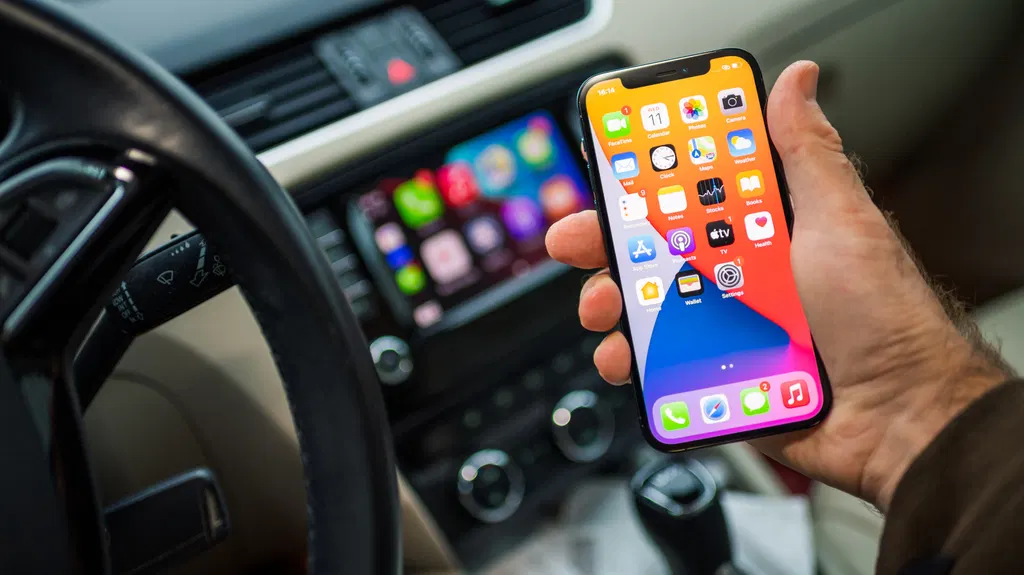
How to add and customize your CarPlay widgets
Apple has introduced customizable widgets to CarPlay in iOS 26, allowing drivers to access information from various apps beyond standard navigation and audio functions. Users can add, rearrange, and remove these widgets through the iPhone Settings app to personalize their in-car dashboard experience. The feature supports both first-party and third-party apps, with iOS 27 further expanding the available options for a more integrated smartphone experience.
- ▪CarPlay widgets were introduced in iOS 26 and allow users to view specific details from apps in customizable stacks.
- ▪Users can manage widgets by navigating to Settings > General > CarPlay on their iPhone while parked.
- ▪iOS 27 expanded the pool of available widgets to include more third-party applications like Instagram and Amazon.
- ▪Automation options such as Smart Rotate and Widget Suggestions can automatically adjust the displayed widgets based on context.
- ▪Widgets are accessed on the leftmost page of the CarPlay interface by swiping from left to right.
Engadget files mainly under tech. We currently carry 1,200 of its stories.
Story provenance
Source · retrieval · rights · ranking — open for full record
inspect →
Story provenance
Attribution is not the same as permission. This drawer separates discovery metadata, excerpts, WeSearch-generated summaries, reuse status, and whether the publisher receives the visit. Nothing here claims a legal grant the publisher has not made.
Record
| Original publisher | Engadget |
| Canonical URL | https://www.engadget.com/2276395/how-to-add-customize-carplay-widgets/ |
| Publication time | Mon, 05 Oct 2026 22:30:00 +0000 |
| Retrieval time | 2026-10-05T22:39:23.602Z |
| Last seen | 2026-10-05T22:39:23.602Z |
| Headline source | Publisher (no WeSearch rewrite) |
| Excerpt source | publisher body |
| Excerpt method | First ~120 words (~800 chars) of extracted publisher body, fair-use limited. |
| Summary | WeSearch · cerebras-chat (WeSearch summarizer) |
| Summary source text | contentText |
| Citation coverage | Summary is a WeSearch-generated derivative; primary citation is the original publisher URL. |
| Cluster | gt3y_PMuoCRb · 1 stories |
| Cluster logic | Grouped by semantic title/content similarity across sources within a rolling window. Same-publisher template collisions are excluded from coverage comparison. |
| Ranking reason | Story pages are not engagement-ranked. Hub feeds use recency, with optional source-diversified chronological ordering (cap consecutive stories per source). No personalized ranking. |
| Publisher visit | Yes — open original |
| Substitutes article? | No — link-out required for full text |
Rights status (four layers)
WeSearch handling by dimension
| Indexing | May the item be indexed (stored, ranked, made findable)? | Allowed |
| Snippet | May a short excerpt of the publisher's text be shown? | Allowed |
| AI summary | May WeSearch generate its own short summary of the article? | Limited |
| Retrieval / RAG | May the content be exposed for third-party retrieval-augmented generation? | Not asserted |
| Model training | May the content be used to train AI models? | Not asserted |
| Commercial reuse | May the content be reused commercially? | Not permitted |
Basis: Derived from the published RSS/Atom feed. Contact: [email protected]. Reviewed: 2026-07-24.
Opening excerpt (first ~120 words) tap to expand
Big Tech Apple How to add and customize your CarPlay widgets Personalizing your CarPlay dashboard beyond its apps only takes a few easy steps. By Yoni Yardeni Oct. 5, 2026 6:30 pm EST Hadrian/Shutterstock Add Engadget on Google: Preferred Source Google Discover Since Apple added widgets to CarPlay in iOS 26, compatible cars have gotten even closer to being a proper extension of your iPhone. Instead of being limited to navigation, messaging and audio, CarPlay widgets let you view information from many other apps on your phone. Whether you want to check live game scores, manage your smart home or follow the forecast at your destination, a widget makes it simple to do so on the road. Before diving in, you should know there's a difference between a CarPlay app and a widget.
…
Excerpt limited to ~120 words for fair-use compliance. The full article is at Engadget.
Discussion
0 commentsMore from Engadget