
How to safely clean your USB ports
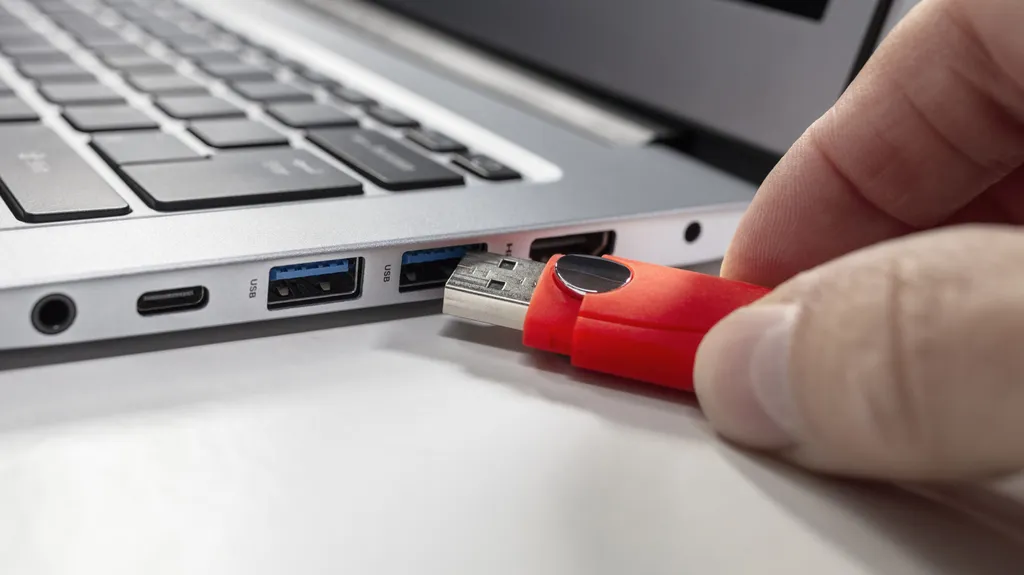
News Computing How to safely clean your USB ports Don't use WD-40 or Q-tips, for starters. By Dave Meikleham July 26, 2026 1:30 pm EST Brianajackson/Getty Images You probably don't give much thought to cleaning your USB ports, but you really should. If you're having problems powering or connecting your devices, there's a decent chance a dirty charging port is to blame.
- ▪News Computing How to safely clean your USB ports Don't use WD-40 or Q-tips, for starters.
- ▪By Dave Meikleham July 26, 2026 1:30 pm EST Brianajackson/Getty Images You probably don't give much thought to cleaning your USB ports, but you really should.
- ▪If you're having problems powering or connecting your devices, there's a decent chance a dirty charging port is to blame.
Engadget files mainly under tech. We currently carry 310 of its stories.
Opening excerpt (first ~120 words) tap to expand
News Computing How to safely clean your USB ports Don't use WD-40 or Q-tips, for starters. By Dave Meikleham July 26, 2026 1:30 pm EST Brianajackson/Getty Images You probably don't give much thought to cleaning your USB ports, but you really should. If you're having problems powering or connecting your devices, there's a decent chance a dirty charging port is to blame. Dirty USB connections that have dust or lint inside them can lead to unstable connections or charges that drop out intermittently. That's why it's a good idea to check your devices' USB ports every now and then to ensure dirt hasn't built up inside. If it has, there are a few cheap and easy cleaning methods you can deploy, which we'll guide you through.
…
Excerpt limited to ~120 words for fair-use compliance. The full article is at Engadget.
Discussion
0 commentsMore from Engadget


