GitHub Copilot CLI for Beginners: Interactive v. non-interactive mode
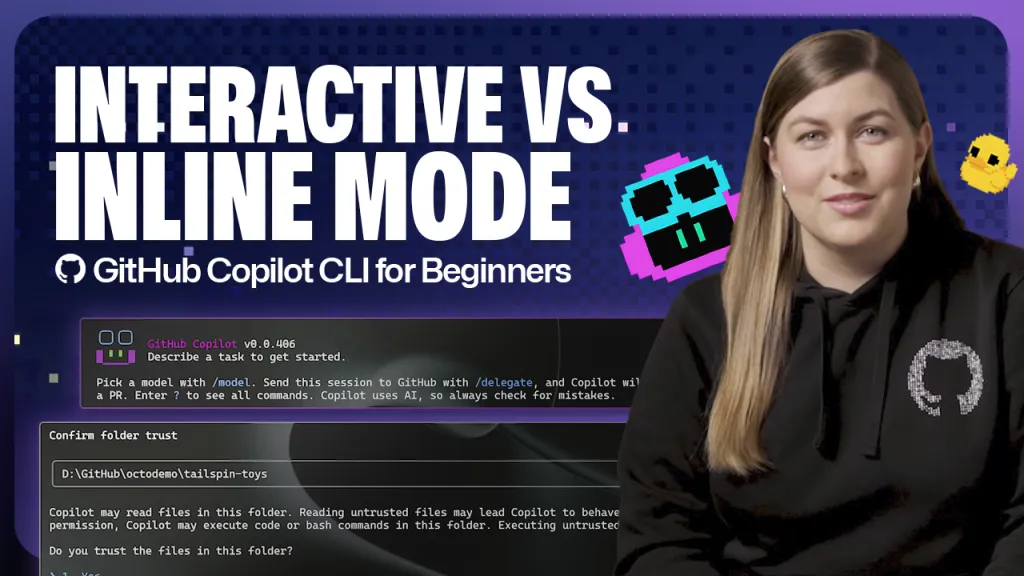
GitHub Copilot CLI offers two modes for interacting with the AI assistant: interactive and non-interactive. Interactive mode allows for a conversational, back-and-forth experience within a session, while non-interactive mode provides quick, one-off responses directly from the command line. Users can switch between modes depending on whether they need iterative collaboration or fast answers.
- ▪Interactive mode is the default setting in GitHub Copilot CLI and supports ongoing, chat-like conversations with the AI.
- ▪Non-interactive mode allows users to pass a single prompt using 'copilot -p' and receive an immediate response without entering a session.
- ▪Users can resume previous interactive sessions using the '/resume' command or 'copilot --resume' from non-interactive mode.
- ▪Non-interactive mode is ideal for quick tasks like summarizing repositories or generating code snippets without leaving the terminal.
- ▪Interactive mode enables collaborative development, such as asking Copilot to run a project server after providing instructions.
Opening excerpt (first ~120 words) tap to expand
Home / AI & ML / GitHub Copilot GitHub Copilot CLI for Beginners: Interactive v. non-interactive mode Learn the difference between CLI interactive v. non-interactive modes. Kayla Cinnamon·@cinnamon-msft April 30, 2026 | 4 minutes Share: Welcome to GitHub Copilot CLI for Beginners! In this series (available in video and blog format), we’ll give you everything you need to get started using GitHub Copilot CLI, from your first prompt to tips for navigating the command line like a pro! In this blog, we’ll cover the two main modes of the CLI: interactive and non-interactive. You’ll learn the differences between the two modes, how to enter them, and what they’re most useful for.
…
Excerpt limited to ~120 words for fair-use compliance. The full article is at The GitHub Blog.
Discussion
0 commentsMore from The GitHub Blog