
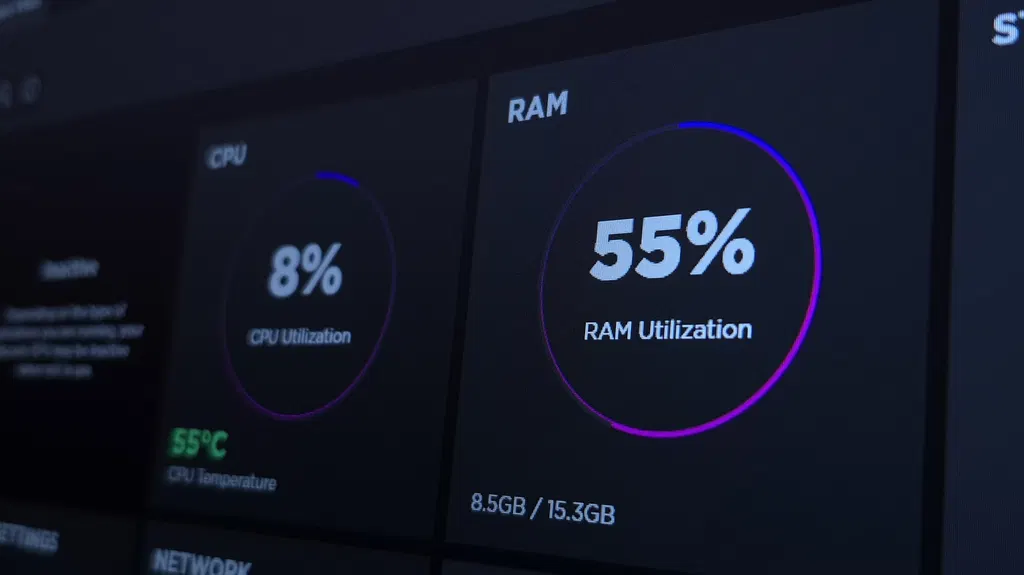
Why Windows 11 is always using so much RAM
Windows 11 often appears to use high amounts of RAM because the operating system actively preloads frequently used applications and files to improve performance. This behavior is managed by the SysMain service, which treats available memory as a resource to be utilized rather than conserved. While high usage is generally normal, users should monitor for actual performance issues or memory leaks that may require closing unnecessary processes or upgrading hardware.
- ▪Windows 11 uses the SysMain service to cache frequently accessed data in RAM, making apps open faster.
- ▪High RAM usage is typically not a problem because cached data is counted as available memory that can be reclaimed instantly.
- ▪Users should check the 'Available' memory metric in Task Manager rather than the 'In use' percentage to assess true system capacity.
- ▪Third-party memory cleaner apps are generally ineffective and can slow down the system by forcing data to the slower page file.
- ▪Disabling SysMain is only recommended for older computers with mechanical hard drives that experience sluggishness from constant preloading.
Engadget files mainly under tech. We currently carry 1,138 of its stories.
Story provenance
Source · retrieval · rights · ranking — open for full record
inspect →
Story provenance
Attribution is not the same as permission. This drawer separates discovery metadata, excerpts, WeSearch-generated summaries, reuse status, and whether the publisher receives the visit. Nothing here claims a legal grant the publisher has not made.
Record
| Original publisher | Engadget |
| Canonical URL | https://www.engadget.com/2273348/why-windows-11-using-so-much-ram/ |
| Publication time | Sat, 03 Oct 2026 16:00:00 +0000 |
| Retrieval time | 2026-10-03T16:03:12.875Z |
| Last seen | 2026-10-03T16:03:12.875Z |
| Headline source | Publisher (no WeSearch rewrite) |
| Excerpt source | publisher body |
| Excerpt method | First ~120 words (~800 chars) of extracted publisher body, fair-use limited. |
| Summary | WeSearch · cerebras-chat (WeSearch summarizer) |
| Summary source text | contentText |
| Citation coverage | Summary is a WeSearch-generated derivative; primary citation is the original publisher URL. |
| Cluster | ZOC2pJ1C7-q- · 1 stories |
| Cluster logic | Grouped by semantic title/content similarity across sources within a rolling window. Same-publisher template collisions are excluded from coverage comparison. |
| Ranking reason | Story pages are not engagement-ranked. Hub feeds use recency, with optional source-diversified chronological ordering (cap consecutive stories per source). No personalized ranking. |
| Publisher visit | Yes — open original |
| Substitutes article? | No — link-out required for full text |
Rights status (four layers)
WeSearch handling by dimension
| Indexing | May the item be indexed (stored, ranked, made findable)? | Allowed |
| Snippet | May a short excerpt of the publisher's text be shown? | Allowed |
| AI summary | May WeSearch generate its own short summary of the article? | Limited |
| Retrieval / RAG | May the content be exposed for third-party retrieval-augmented generation? | Not asserted |
| Model training | May the content be used to train AI models? | Not asserted |
| Commercial reuse | May the content be reused commercially? | Not permitted |
Basis: Derived from the published RSS/Atom feed. Contact: [email protected]. Reviewed: 2026-07-24.
Opening excerpt (first ~120 words) tap to expand
Big Tech Microsoft Why Windows 11 is always using so much RAM High RAM usage isn't always a problem that needs a fix. By Filipe Espósito Oct. 3, 2026 12:00 pm EST Nwz/Shutterstock Add Engadget on Google: Preferred Source Google Discover Open Task Manager on a Windows 11 PC, and it's easy to panic no matter how much RAM you have. Even without many apps open, your computer will likely be using more than 50 percent of its memory. And while this seems like a problem, most of the time it isn't. While 16GB of RAM is the standard for modern computers, that doesn't mean it's no longer enough just because your PC is using almost all of it. This has more to do with how modern versions of Windows manage memory. First, it's worth taking a look at what RAM is used for.
…
Excerpt limited to ~120 words for fair-use compliance. The full article is at Engadget.
Discussion
0 commentsMore from Engadget


