Local Whisper Audio Transcription
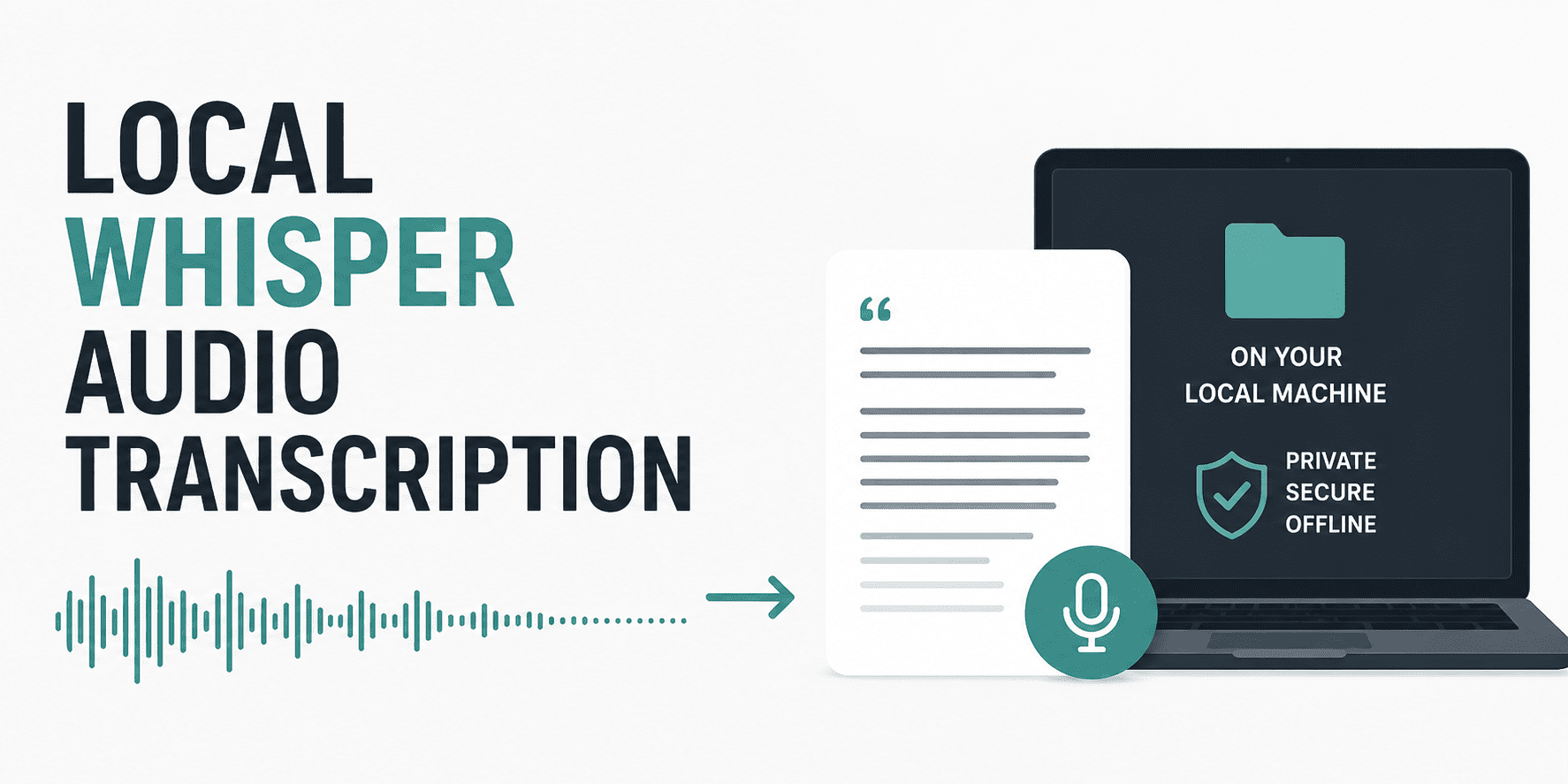
Transcribe audio locally using Faster‑Whisper and Python. Emphasis on privacy‑first and CPU/GPU‑ready.
Full article excerpt tap to expand
Image by Author # Introduction Transcribing audio into text is a common need for developers, whether you're building a voice-to-text app, analysing meeting recordings, or adding captions to videos. Doing it locally (on your own machine) protects privacy and avoids recurring cloud costs. In this article, you will learn how to set up a fast, local transcription system using Whisper and its optimised version called Faster-Whisper. We will cover audio preprocessing like converting MP3 to WAV, write a Python script, and discuss running on both CPUs and GPUs. # What Is Whisper? And Why Use a Local Variant? OpenAI's Whisper is an automatic speech recognition (ASR) model. It's trained on a large amount of multilingual audio and performs well even with background noise or different accents. However, the original Whisper can be slow on a CPU and uses significant memory. That's where optimised variants come in to help. whisper.cpp is written in C++ with no heavy dependencies. It is very fast on CPU, but requires compilation and is less Python-friendly. Faster-Whisper is a reimplementation using CTranslate2. It runs up to 4× faster than original Whisper, uses less RAM, and works seamlessly with Python. We will be using Faster-Whisper in this tutorial. Both variants run 100% locally; no data leaves your computer. # Setting Up Your Environment (Cross-Platform) This setup works on Windows, macOS, and Linux with Python 3.8 or higher. Create and activate a virtual environment (optional but recommended): python -m venv whisper_env Activate the virtual environment on macOS and Linux: source whisper_env/bin/activate On Windows: whisper_env\Scripts\activate Install Faster-Whisper: pip install faster-whisper // Installing Audio Pre-processing Tools Whisper expects audio in 16 kHz mono WAV format. To convert common formats (MP3, M4A, OGG, etc.), we need FFmpeg and the Python library pydub. Install FFmpeg: On Windows, download from FFmpeg.org and add to PATH, or use winget install ffmpeg. macOS: brew install ffmpeg Linux (Ubuntu/Debian): sudo apt install ffmpeg Then install pydub: pip install pydub // Optional GPU Support If you have an NVIDIA GPU and want faster transcription, install cuBLAS and cuDNN following the Faster-Whisper GPU guide. Without this, the code automatically falls back to CPU. # Audio Pre-processing: Converting Non-WAV Files Most audio files you encounter are not raw WAV. They use compression (MP3) or container formats (M4A). You must convert them to 16 kHz, mono, PCM WAV before feeding them to Whisper. Below is a Python function that uses pydub (which calls FFmpeg in the background) to perform this conversion. from pydub import AudioSegment import os def convert_to_wav(input_path, output_path=None): """ Convert any audio file (MP3, M4A, OGG, etc.) to WAV (16 kHz, mono). If output_path is None, replaces extension with .wav in the same folder. """ if output_path is None: base, _ = os.path.splitext(input_path) output_path = base + ".wav" # Load audio (pydub uses ffmpeg) audio = AudioSegment.from_file(input_path) # Convert to mono and set sample rate to 16000 Hz audio = audio.set_channels(1).set_frame_rate(16000) # Export as WAV audio.export(output_path, format="wav") return output_path Usage example: wav_file = convert_to_wav("meeting.mp3") print(f"Converted to: {wav_file}") # Basic Transcription Script with Faster-Whisper Now let's write a complete Python script that loads a Whisper model, transcribes a WAV file, and prints the result. from…
This excerpt is published under fair use for community discussion. Read the full article at KDnuggets.
Discussion
0 commentsMore from KDnuggets